Example 1: In Windows Forms applications
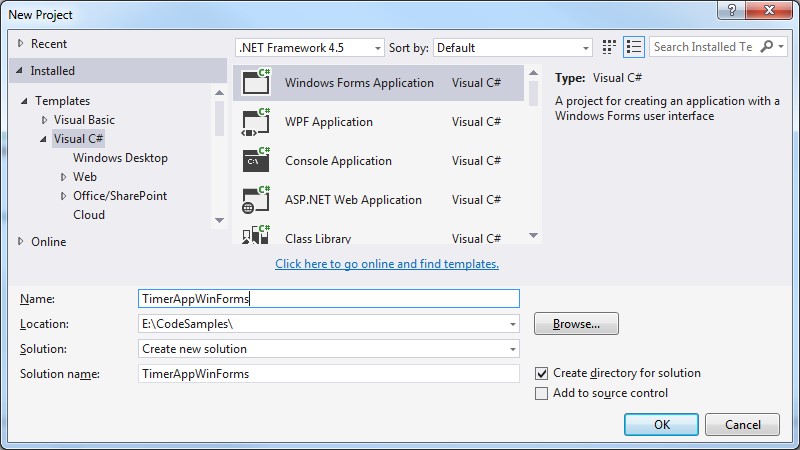
Create a new Windows Forms Application:
For WinForms applications we make use of the System.Windows.Forms.Timer
private static readonly Timer Timer = new Timer();
Some common Timer tasks are to:
1. Subscribe to the event that is called when the interval has elapsed:
Timer.Tick += TimerEventProcessor;
2. Set the Timer interval:
Timer.Interval = 5000;
3. Start the timer (these are equivalent):
Timer.Start();
Timer.Enabled = true;
4. Stop the timer (these are equivalent):
Timer.Stop();
Timer.Enabled = false;
Example Usage:
using System;
using System.Windows.Forms;

namespace TimerAppWinForms
{
   public partial class Form1 : Form
   {
      private const string Caption = "Interval elapsed.  Continue running?";
      private static readonly Timer Timer = new Timer();

      public Form1()
      {
         InitializeComponent();

         Timer.Tick += TimerEventProcessor;
         Timer.Interval = 5000;
         Timer.Start();
      }

      // This is the method to run when the timer is raised.
      private static void TimerEventProcessor(object myObject, EventArgs myEventArgs)
      {
         Timer.Stop();

         var result = MessageBox.Show(Caption, "", MessageBoxButtons.YesNo);

         if (result == DialogResult.Yes)
         {
            Timer.Start();
         }
      }
   }
}
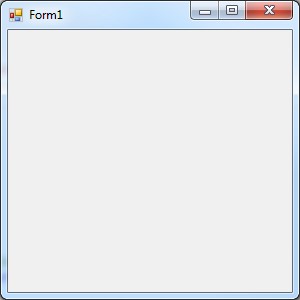
When run we are initially presented with the default form:
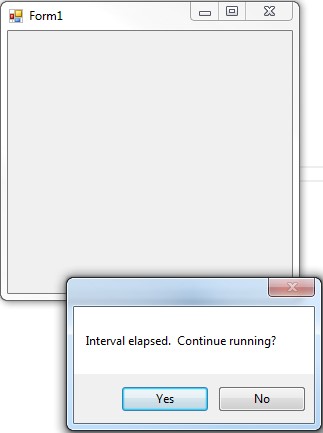
And after the 5 second (5000 millisecond) interval has elapsed, the function that handles this event is run, presenting the user with a dialog to either continue with the timed event or exit:
Example 2: In Console Applications
Create a new Console Application:
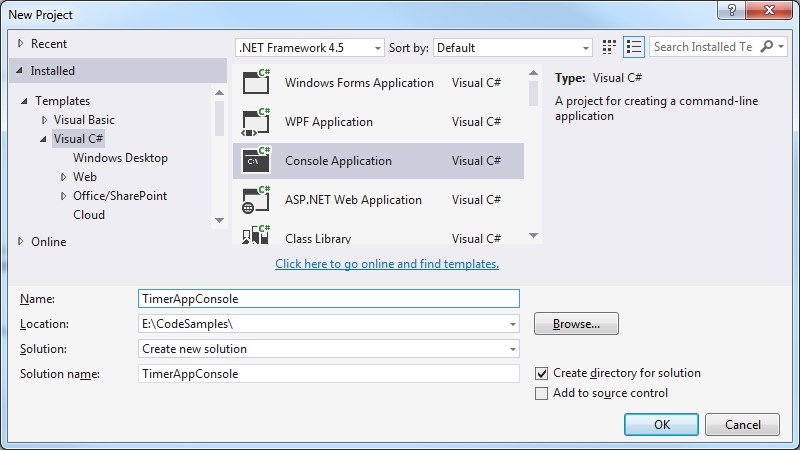
When using timers in Console applications we must instead use System.Timers.Timer:
var timer = new System.Timers.Timer();
As with the previous WinForms example, we subscribe the appropriate event (this time called ‘Elapsed’), set the time interval and kick off the timer:
timer.Elapsed += new ElapsedEventHandler(TimerEventProcessor);
timer.Interval = 5000;
timer.Start();
Full code sample looks like this:
using System;
using System.Timers;

namespace TimerAppConsole
{
   internal class Program
   {
      private static void Main(string[] args)
      {
         var timer = new Timer();

         timer.Elapsed += TimerEventProcessor;
         timer.Interval = 5000;
         timer.Start();

         Console.WriteLine("Press \'q\' to quit the sample.");
         while (Console.Read() != 'q')
         {
         }
      }

      private static void TimerEventProcessor(object myObject, EventArgs myEventArgs)
      {
         Console.WriteLine("Time Elapsed...");
      }
   }
}
Giving the following Console output: