Tag: Code::Blocks

  • Windows programming using MinGW

    A short example of how to started with Windows programming in non-Visual Studio environments.

    In this example, we use the MinGW (Minimalist GNU for Windows) compiler within the Code::Blocks integrated development environment.

    MinGW can be obtained via the following link:

    http://www.mingw.org/

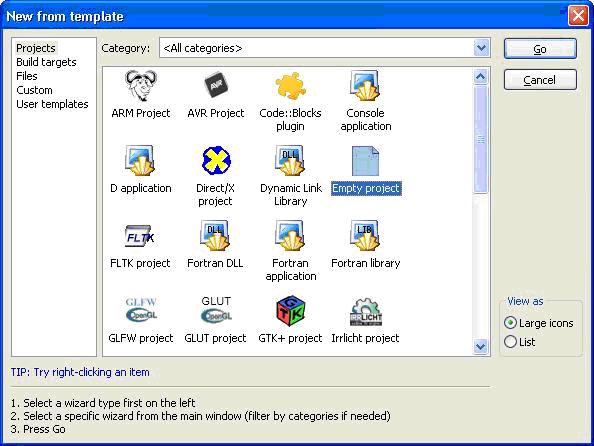
    First select File > New > Project… and opt to create a new empty project:
    (more…)
  • Configuring Code::Blocks to use OpenCV in Linux Environments

    A quick guide to setting up and installing OpenCV for using in the Code::Blocks integrated development environment in Linux. The version of Linux I am currently using is Ubuntu 14.04. At the time of writing the version of OpenCV for Linux used is 2.4.9. (I had originally tried version 2.4.10 but had problems compiling it with the version of gcc I had (4.8.2), so I reverted to 2.4.9 instead.) (more…)

  • Configuring Code::Blocks to use the Boost Libraries in Windows and Linux

    Some examples of how to configure Code::Blocks to use the Boost C++ libraries:

    1. Header-only (Windows)
    2. Compiled libraries (Windows)
    3. Compiled libraries (Ubuntu Linux)

    1. Header-only (Windows)

    To configure Code::Blocks to use a header-only Boost library: Boost.DateTime. Select File > New > Project > Empty Project:

    CodeBlocks1
    (more…)