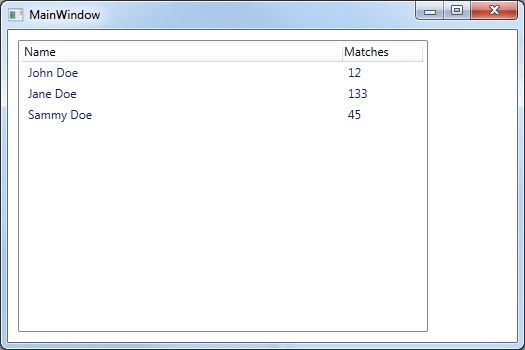
Some few tips and instructions on how to bind data items contained in a List to a WPF ListView.
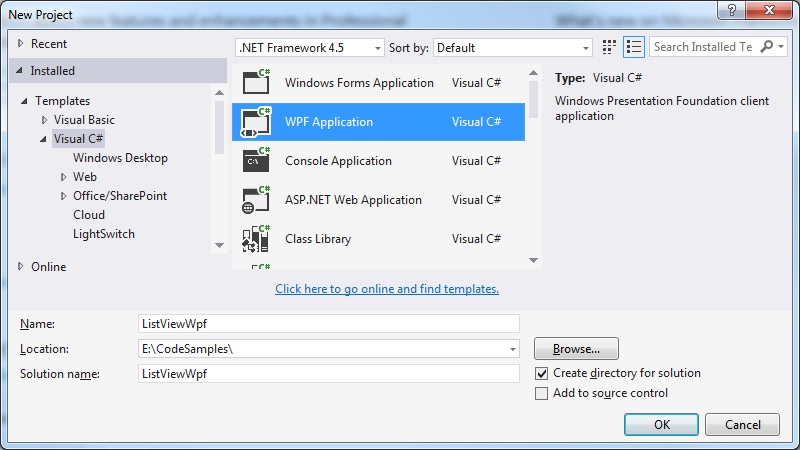
Create a new empty WPF Application:
Then create a new ViewModel class for out MainWindow.xaml which will be used to create and access the data items that are bound to the ListView:
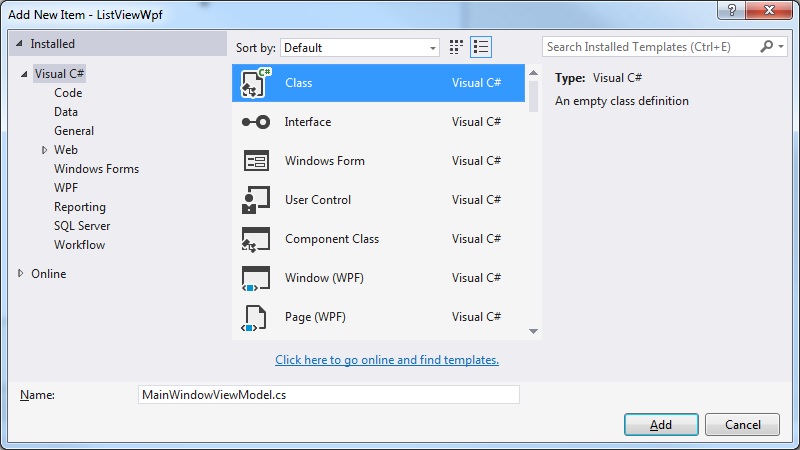
Our MainWindowViewModel class has a getter for obtaining the list of data items we wish to present in the ListView control:
MainWindowViewModel.cs
using System.Collections.Generic;

namespace ListViewWpf
{
   public class Item
   {
      public Item(string name, string matches)
      {
         Name = name;
         Matches = matches;
      }

      public string Name { get; set; }
      public string Matches { get; set; }
   }

   public class ItemHandler
   {
      public ItemHandler()
      {
         Items = new List<Item>();
      }

      public List<Item> Items { get; private set; }

      public void Add(Item item)
      {
         Items.Add(item);
      }
   }

   public class MainWindowViewModel
   {
      private readonly ItemHandler _itemHandler;

      public MainWindowViewModel()
      {
         _itemHandler = new ItemHandler();
         _itemHandler.Add(new Item("John Doe", "12"));
         _itemHandler.Add(new Item("Jane Doe", "133"));
         _itemHandler.Add(new Item("Sammy Doe", "45"));
      }

      public List<Item> Items
      {
         get { return _itemHandler.Items; }
      }
   }
}
The update the MainWindow.xaml to define the DataContext provided by our MainWindowViewModel, and the ListView control whose ItemsSource is bound to the view model:
MainWindow.xaml
<Window x:Class="ListViewWpf.MainWindow"
        xmlns="http://schemas.microsoft.com/winfx/2006/xaml/presentation"
        xmlns:x="http://schemas.microsoft.com/winfx/2006/xaml"
        xmlns:local="clr-namespace:ListViewWpf"
        Title="MainWindow" Height="350" Width="525">

    <Window.DataContext>
        <local:MainWindowViewModel/>
    </Window.DataContext>

    <Window.Resources>
        <Style x:Key="ListViewStyle" TargetType="{x:Type GridViewColumnHeader}">
            <Setter Property="HorizontalContentAlignment" Value="Left" />
        </Style>
    </Window.Resources>

    <Grid>
        <ListView Margin="10" ItemsSource="{Binding Items}" HorizontalAlignment="Left" HorizontalContentAlignment="Left">
            <ListView.View>
                <GridView>
                    <GridViewColumn HeaderContainerStyle="{StaticResource ListViewStyle}" Header="Name" Width="320" DisplayMemberBinding="{Binding Name}" />
                    <GridViewColumn HeaderContainerStyle="{StaticResource ListViewStyle}" Header="Matches" Width="80" DisplayMemberBinding="{Binding Matches}" />
                </GridView>
            </ListView.View>
        </ListView>
    </Grid>
</Window>
Thus we have our minimalist implementation of binding data to a ListView control using the MVVM pattern: