Firstly in your project folder make sure Aurelia dialog has been installed:
npm i aurelia-dialog
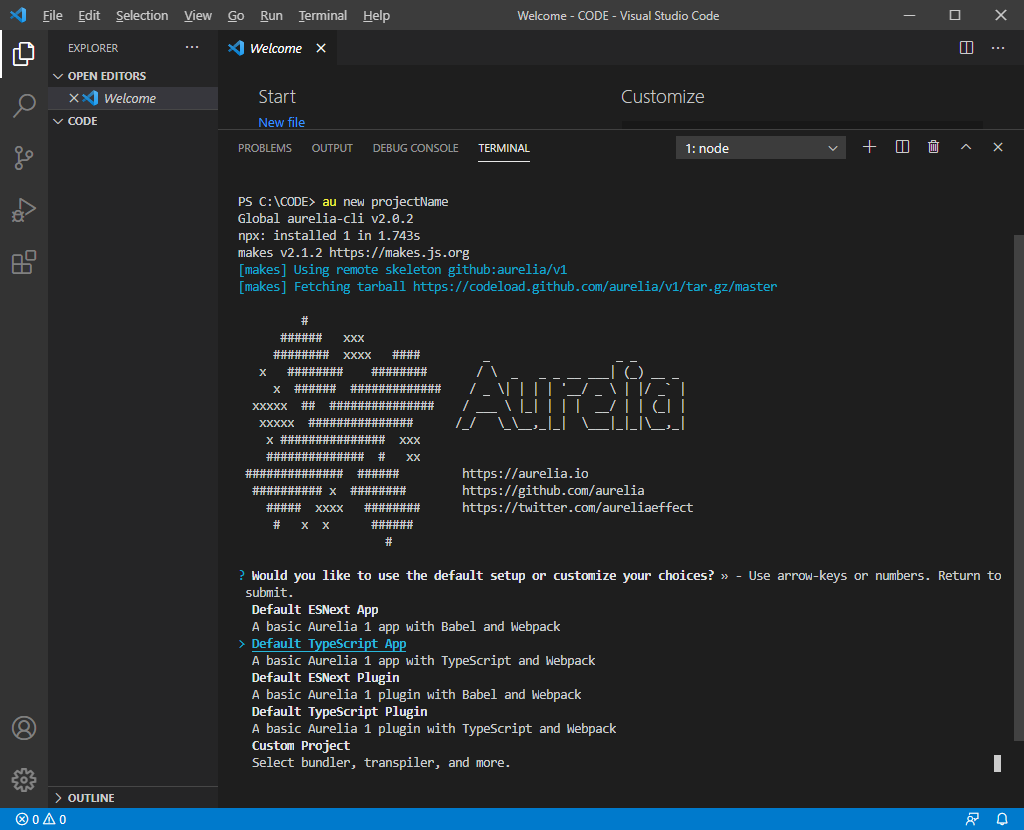
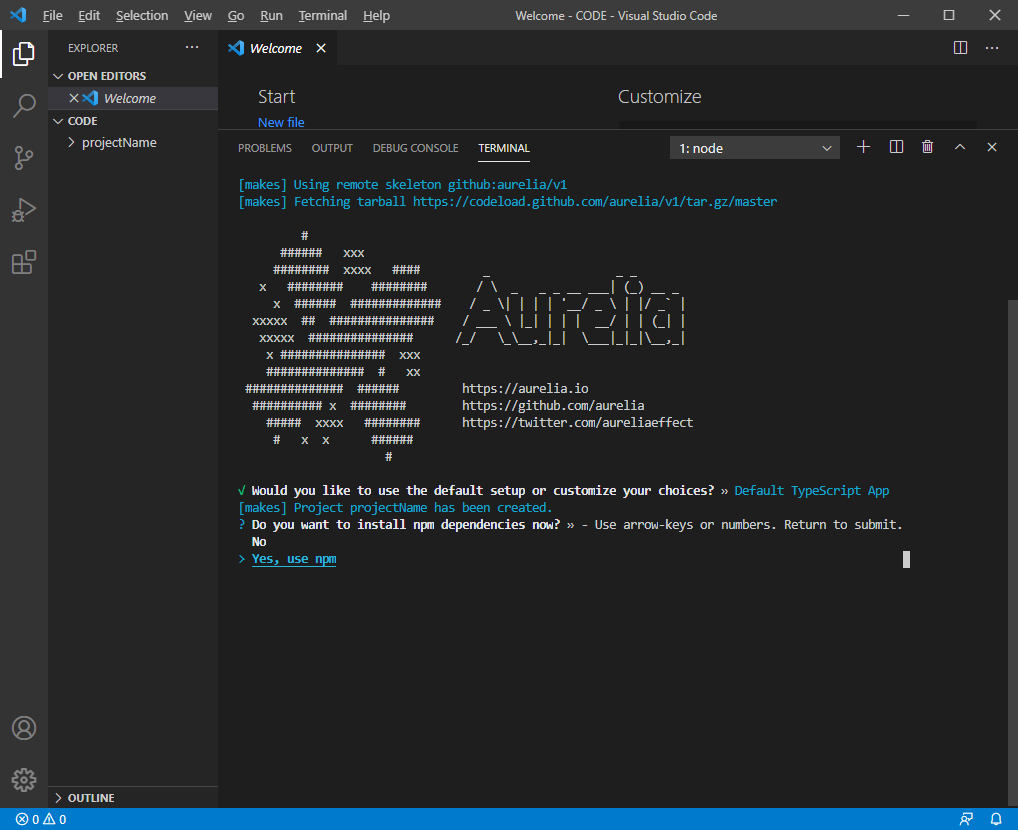
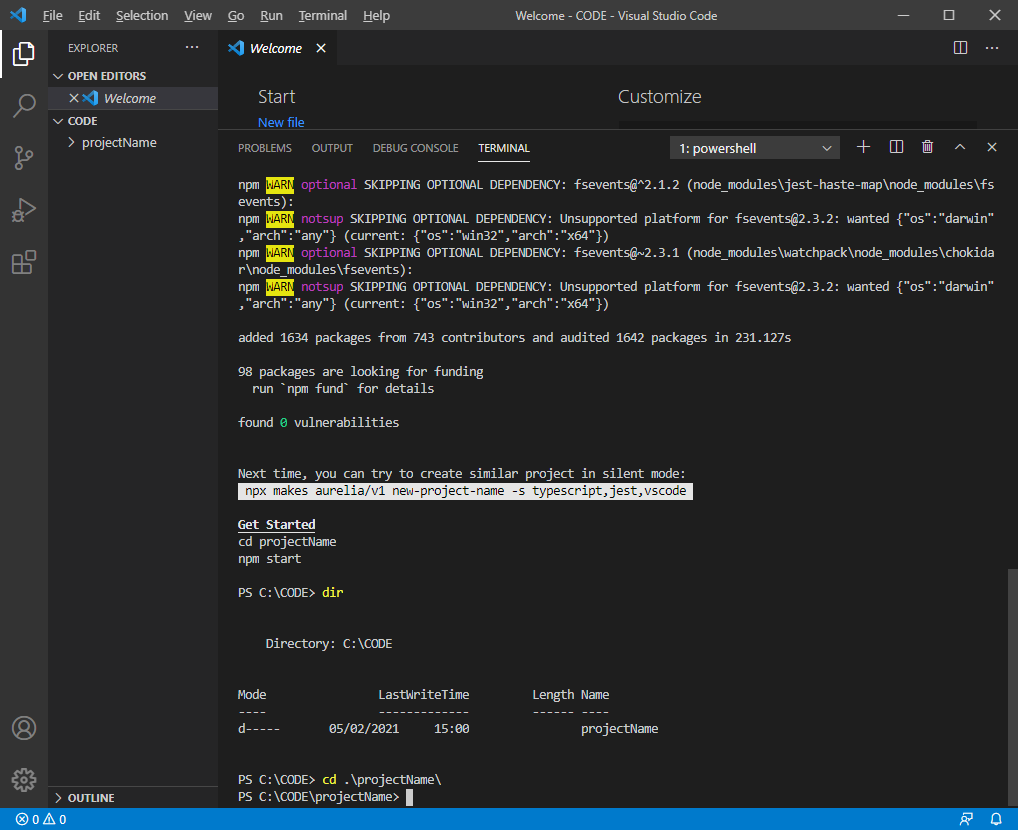
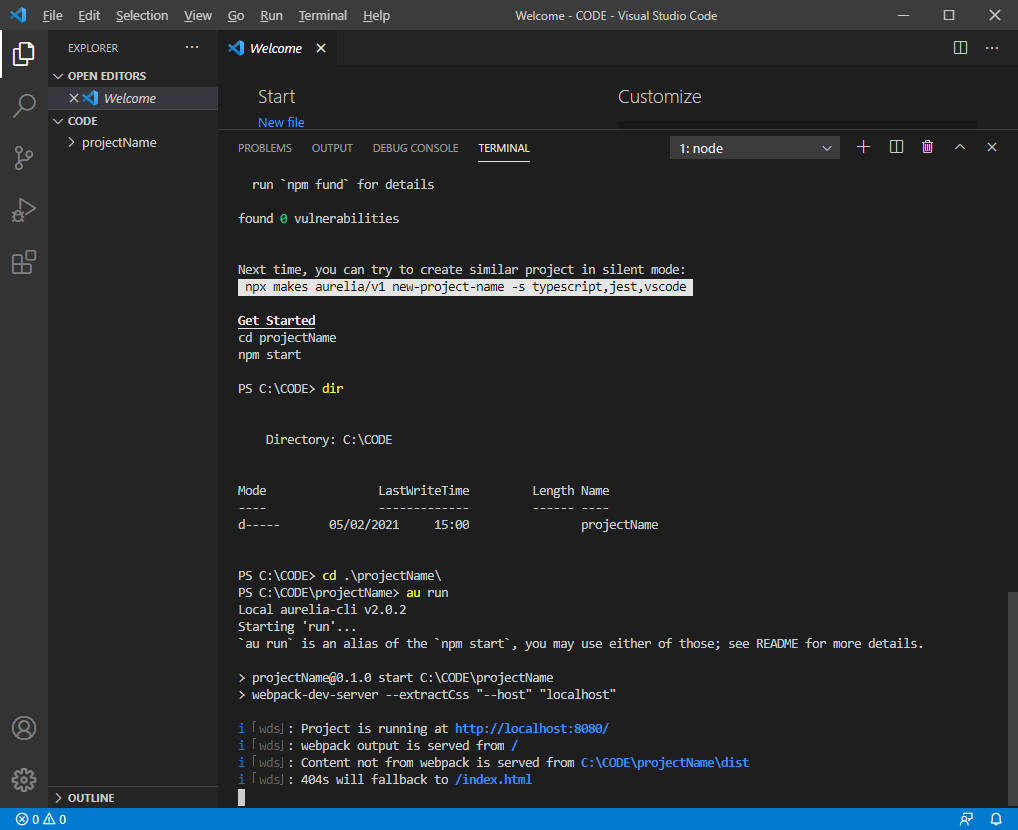
Also see this following link on how to get started in creating, building, running etc a new Aurelia project:
https://www.technical-recipes.com/2019/getting-started-with-aurelia-js-part-2/
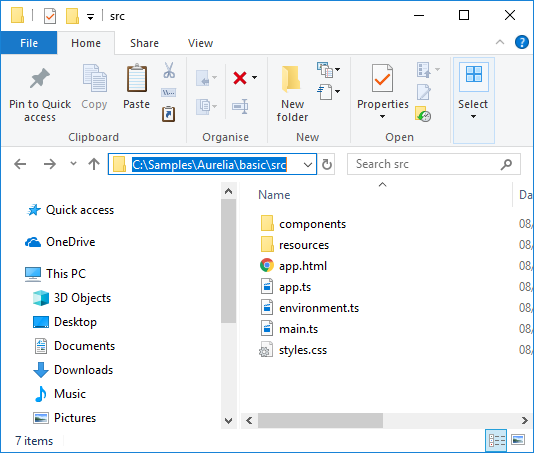
In your src folder create the following files as a bare minimum dialog example:
dialog.html
<template>
    <style>
        div.div{
            border: 1px solid blue;
            padding: 15px;
        }
    </style>

    <div class="div">
        <div>
            <h1>${title}</h1>
        </div>

        <div>
            <p1>${message}...</p1>
        </div>

        <div>
            <button click.delegate="ok()">OK</button>
        </div>
    </div>
</template>
dialog.ts
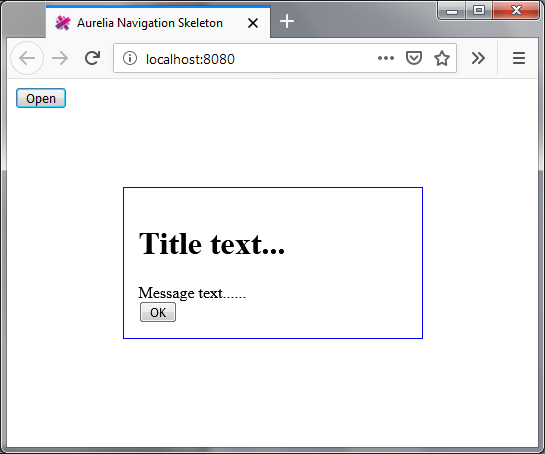
In this example we create the dialog with three properties: title and message string and a callback action for when the OK button is clicked:
import {DialogController} from 'aurelia-dialog';
import { autoinject, inject } from 'aurelia-framework';

@autoinject

export class Dialog {
    title?: string;
    message?: string;
    action?: (args?: any) => {};

    constructor(private dialogController : DialogController) {
        dialogController.settings.centerHorizontalOnly = true;
    }

    activate(model : any) {
        this.message = model.message;
        this.title = model.title;
        this.action = model.action;
     }

     ok() : void {
         this.action();
        this.dialogController.ok();
     }
}
And modify the app.{html, ts} and main.ts files as follows:
app.html
<template>
     <button click.delegate="openDialog()" >Open</button>
</template>
app.ts
import { autoinject } from "aurelia-framework";
import { DialogService } from "aurelia-dialog";
import { Dialog } from "dialog";

@autoinject
export class App {

  constructor(private dialogService : DialogService) {}
  attached(): void {
  }

  openDialog() : void {
    this.dialogService.open( {viewModel: Dialog,
        model: {message : 'Message text...',
          title: 'Title text...', action: this.action} }).then(response => {
      console.log(response);
   });
  }

  action() : void {
    alert('OK button pressed');
  }
}
main.ts
import {Aurelia} from 'aurelia-framework'
import * as environment from '../config/environment.json';
import {PLATFORM} from 'aurelia-pal';

export function configure(aurelia: Aurelia) {
  aurelia.use
    .standardConfiguration()
    .feature(PLATFORM.moduleName('resources/index'));

  aurelia.use.developmentLogging(environment.debug ? 'debug' : 'warn');
  aurelia.use.plugin(PLATFORM.moduleName('aurelia-dialog'));

  if (environment.testing) {
    aurelia.use.plugin(PLATFORM.moduleName('aurelia-testing'));
  }

  aurelia.start().then(() => aurelia.setRoot(PLATFORM.moduleName('app')));
}
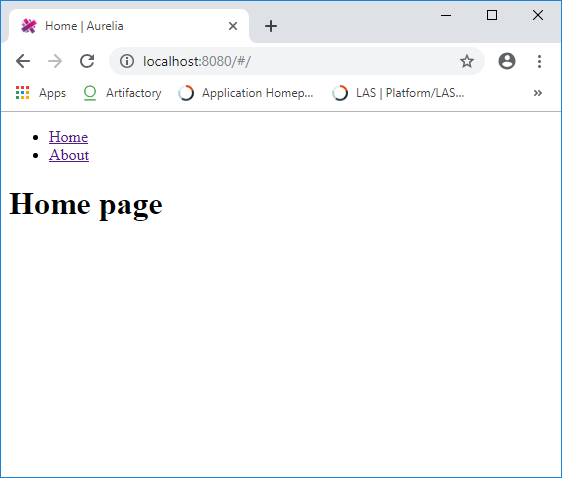
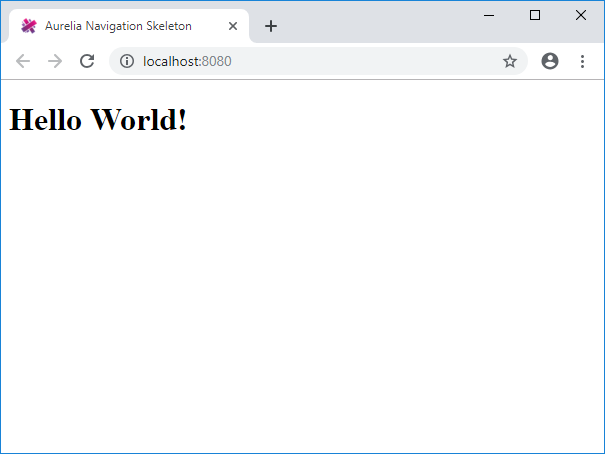
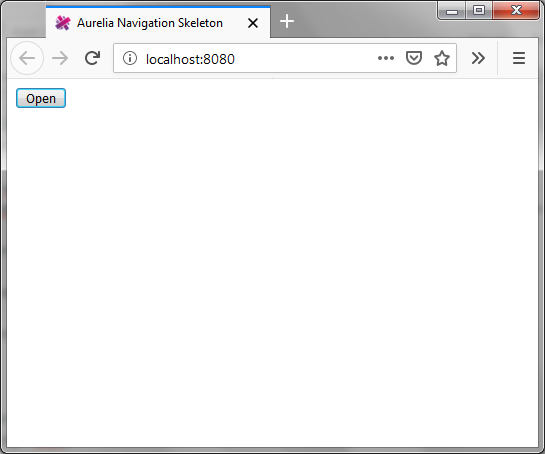
Do an ‘au build’, followed by an ‘au run’ and see main windows appear as follows:
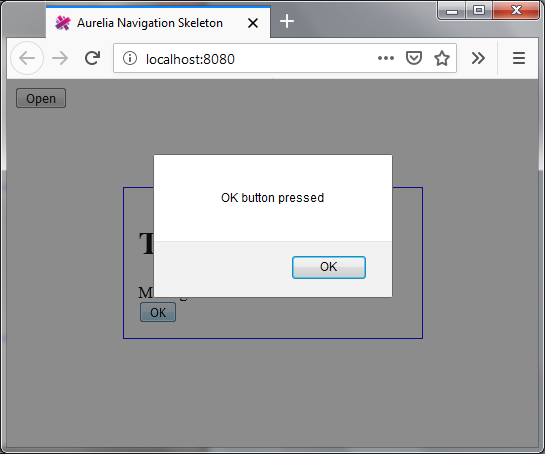
On clicking Open the Aurelia dialog is launched as shown:
On clicking OK the callback is invoked, in this example the action creates an alert: