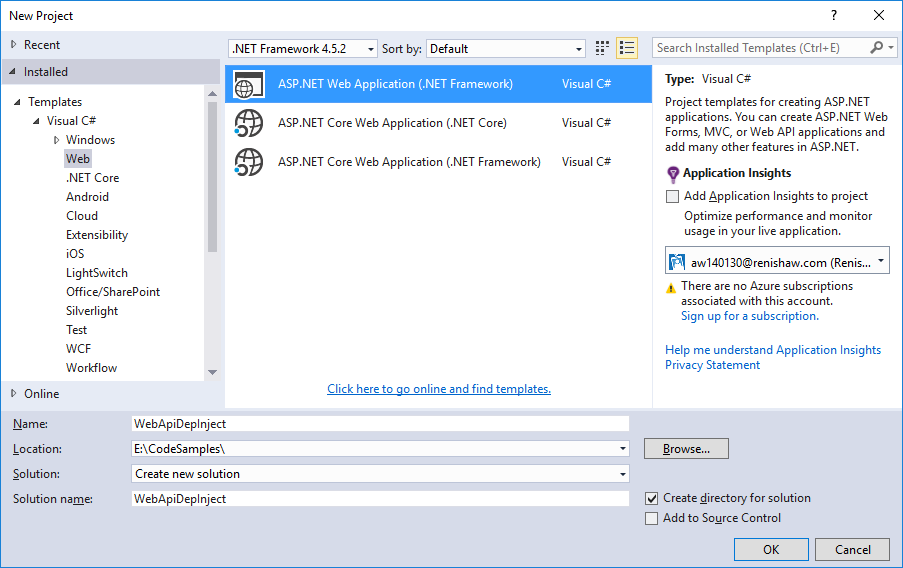
Step 1: Create a new ASP.NET Web application
Step 2: Install Unity through Nuget
At the current time of writing the version used in the Package Manager Console was as follows:
PM> Install-Package Unity -Version 5.7.3
Step 3: Create a new repository
We add this to the Model folder.
When creating the controller in the constructor, We like to specify that we would like an interface to the repository – eg when we come to specify tests at a later stage, when don’t have to specify a specific repository, we can be much more de-coupled, but mainly to abstract it out for testing.
In this example my ‘repository’ is just a property that returns a list of strings.
IRepository.cs
using System.Collections.Generic;

namespace WebApiDepInject.Models
{
   public interface IRepository
   {
      IEnumerable<string> MyValues { get; set; }
   }
}
Repository.cs
using System.Collections.Generic;

namespace WebApiDepInject.Models
{
   public class Repository : IRepository
   {
      public IEnumerable<string> MyValues { get; set; }

      public Repository()
      {
         MyValues = new List<string> {"Value1", "Value2", "Value3", "Value4"};
      }
   }
}
Step 4: Create a class for resolving dependencies
using System;
using System.Collections.Generic;
using System.Web.Http.Dependencies;
using Unity;
using Unity.Exceptions;

namespace WebApiDepInject.Models
{
   public class UnityResolver : IDependencyResolver
   {
      private readonly IUnityContainer _container;

      public UnityResolver(IUnityContainer container)
      {
         _container = container;
      }

      public object GetService(Type serviceType)
      {
         try
         {
            return _container.Resolve(serviceType);
         }
         catch (ResolutionFailedException)
         {
            return null;
         }
      }

      public IEnumerable<object> GetServices(Type serviceType)
      {
         try
         {
            return _container.ResolveAll(serviceType);
         }
         catch (ResolutionFailedException)
         {
            return new List<object>();
         }
      }

      public IDependencyScope BeginScope()
      {
         var child = _container.CreateChildContainer();
         return new UnityResolver(child);
      }

      public void Dispose()
      {
         _container.Dispose();
      }
   }
}
Step 5: Update the WebApiConfig class
i. initialise the UnityContainer
ii. set the dependency resolver
WebApiConfig.cs
using System.Web.Http;
using Unity;
using WebApiDepInject.Models;

namespace WebApiDepInject
{
   public static class WebApiConfig
   {
      public static void Register(HttpConfiguration config)
      {
         var container = new UnityContainer();
         container.RegisterType<IRepository, Repository>();
         config.DependencyResolver = new UnityResolver(container);

         config.MapHttpAttributeRoutes();

         config.Routes.MapHttpRoute(
             "DefaultApi",
             "api/{controller}/{id}",
              new { id = RouteParameter.Optional }
         );
      }
   }
}
Step 6: Modify the Values controller
ValuesController.cs
using System.Collections.Generic;
using System.Linq;
using System.Web.Http;
using WebApiDepInject.Models;

namespace WebApiDepInject.Controllers
{
   public class ValuesController : ApiController
   {
      private readonly IRepository _repo;

      public ValuesController(IRepository repo)
      {
         _repo = repo;
      }

      // GET api/values
      public IEnumerable<string> Get()
      {
         return _repo.MyValues;
      }

      // GET api/values/5
      public string Get(int id)
      {
         var list = _repo.MyValues.ToList();

         if (id >= 0 && id < list.Count)
         {
            return list[id];
         }

         return "unknown";
      }
   }
}
Step 7: Try it
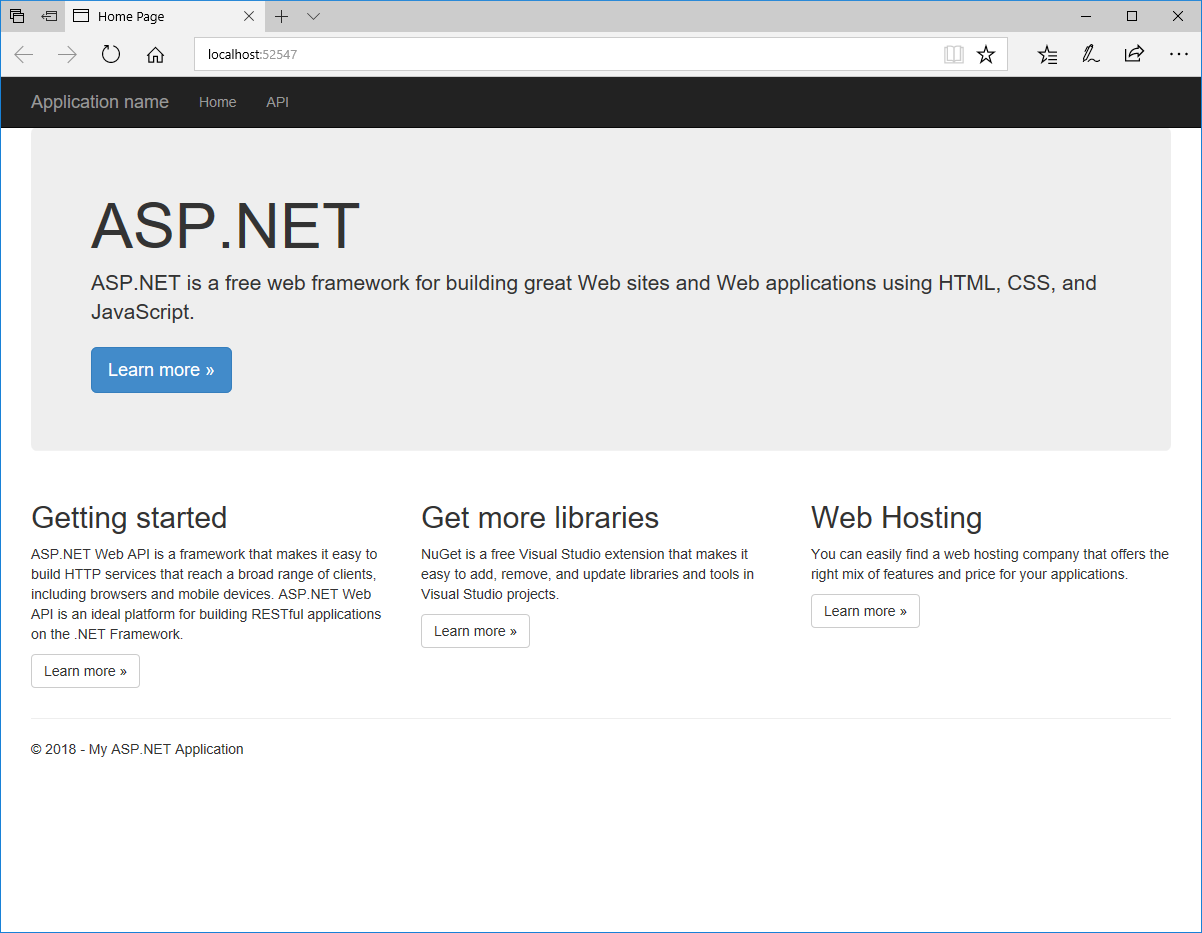
Build and run the problem. It will open up the service link within a browser:
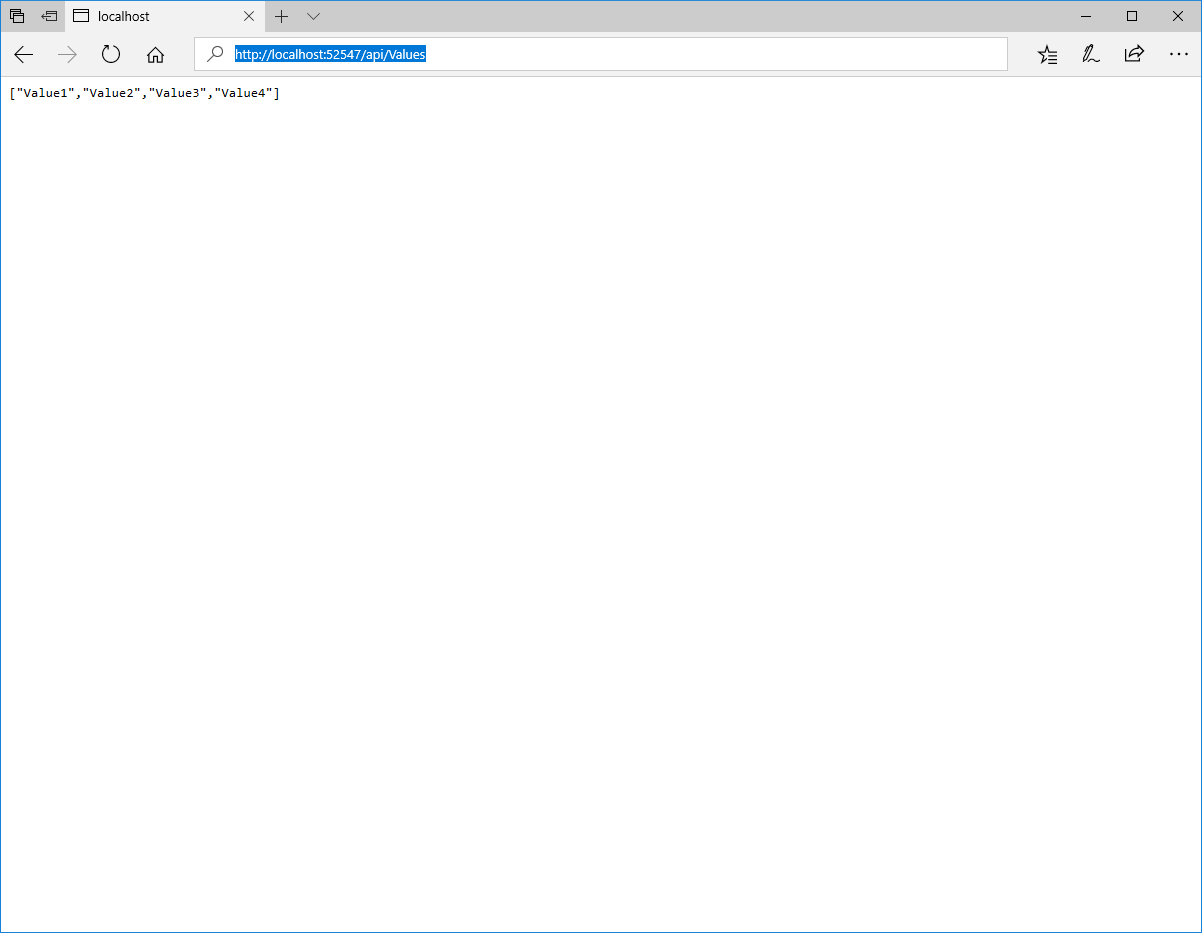
Now try it with the GET command to return the list of strings using the link: http://localhost:52547/api/Values (replace the 52547 port number with your version obviously)
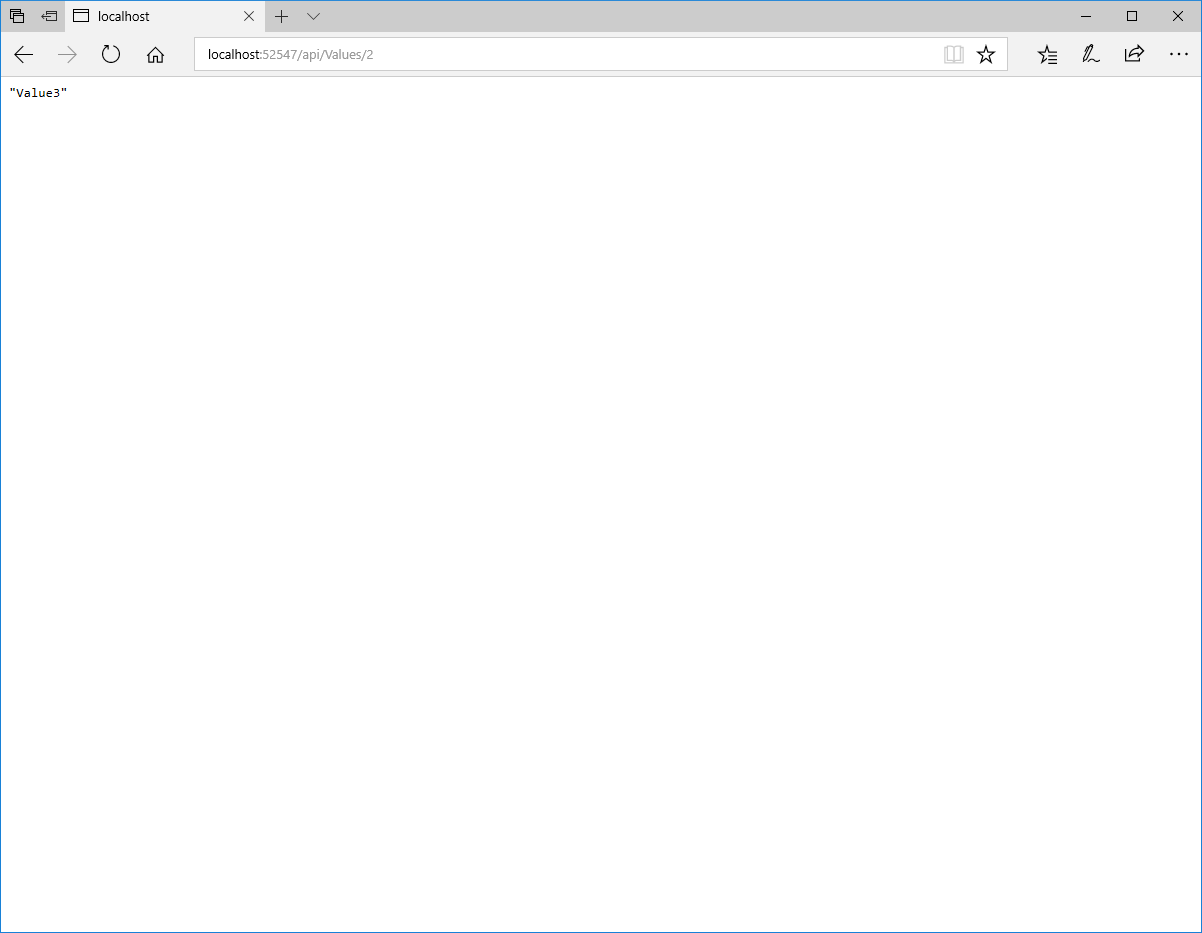
And by getting the 3rd item in the list by index using the link: http://localhost:52547/api/Values/2